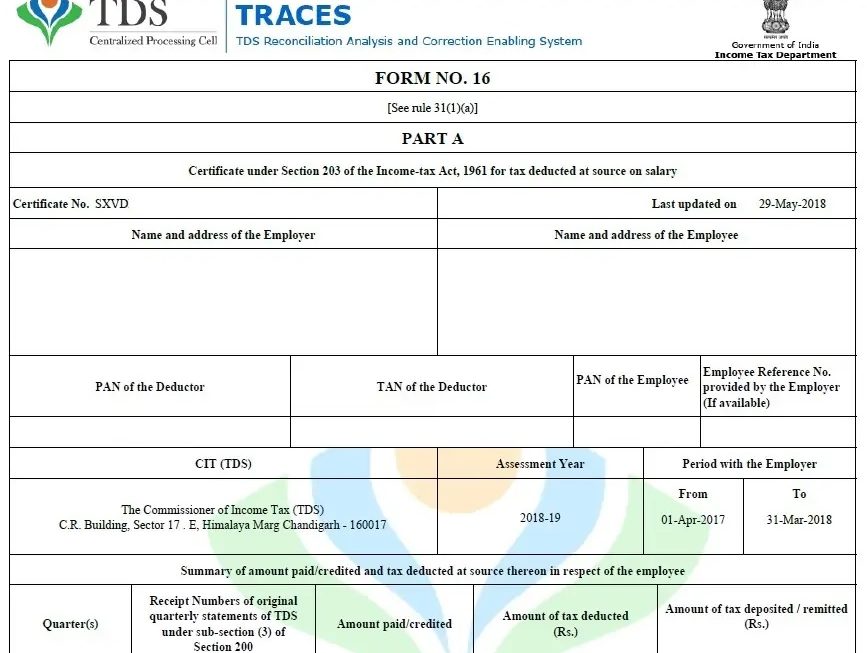

Introduction to Form 16 Part B for F.Y. 2025-26
Form 16 Part B plays a crucial role in salary taxation. In simple terms, it gives a detailed breakdown of salary, exemptions, deductions, and taxable income. Moreover, it acts like a financial mirror for employees. Therefore, employers must prepare it carefully. Additionally, for the Financial Year 2025-26, compliance expectations have increased. Consequently, preparing Form 16 Part B for multiple employees at once becomes essential. Instead of preparing one by one, smart employers now prefer preparing Form 16 Part B for 50 employees at a time using Excel.
Why Employers Must Prepare Form 16 Part B Accurately
Accuracy is not optional; it is mandatory. Because Form 16 Part B directly impacts income tax returns, even a small mistake can trigger notices. Furthermore, employees rely on this document completely. Hence, employers must ensure correctness. Also, when you prepare Form 16 Part B in bulk, consistency improves automatically. As a result, Excel becomes a powerful ally. Not only does it reduce manual effort, but it also increases trust and transparency.
Challenges of Preparing Form 16 Part B Manually
Manual preparation feels like walking through a maze blindfolded. First, it consumes too much time. Second, it increases the chances of human error. Third, handling 50 employees manually becomes exhausting. Moreover, repetitive calculations lead to fatigue. Consequently, mistakes creep in unnoticed. Therefore, relying on manual methods is no longer practical. Instead, Excel-based automation offers a smarter route.
Why Excel Is the Smartest Tool for Bulk Form 16 Part B Preparation
Excel works like a digital assembly line. Once you set formulas correctly, the same logic applies everywhere. Moreover, Excel allows bulk data handling smoothly. Therefore, preparing Form 16 Part B for 50 employees becomes effortless. Additionally, Excel supports formulas, validations, and templates. As a result, accuracy improves dramatically. Furthermore, Excel saves time, energy, and resources.
Understanding the Structure of Form 16 Part B
Before starting, understanding the structure is essential. Form 16 Part B includes salary breakup, exemptions, deductions, and tax calculations. Moreover, it summarises taxable income clearly. Therefore, structuring your Excel file accordingly ensures seamless output. Once you align Excel columns with Form 16 Part B fields, automation becomes simple.
Employee Salary Details
Salary details form the backbone. This includes basic pay, DA, HRA, and allowances. Therefore, ensure each component is correctly placed. Moreover, structured salary data enables automatic calculations. Consequently, gross salary figures update instantly.
Tax Deductions and Exemptions
Exemptions like HRA, LTA, and standard deduction reduce taxable income. Hence, Excel formulas must capture them accurately. Additionally, auto-calculation avoids manual errors. As a result, employees get the correct tax benefits.
Chapter VI-A Deductions
Deductions under Section 80C, 80D, and others matter greatly. Therefore, Excel should include dedicated columns. Moreover, applying deduction limits through formulas ensures compliance. Consequently, tax computation becomes reliable.
Step-by-Step Process to Prepare Form 16 Part B for 50 Employees in Excel
Preparation becomes smooth when you follow the steps logically. First, create a master sheet. Second, enter employee data. Third, apply formulas. Finally, generate Form 16 Part B.
Designing a Master Excel Sheet
The master sheet acts like a control room. Therefore, include employee name, PAN, designation, and salary components. Additionally, keep one row per employee. Consequently, handling 50 employees becomes organized and systematic.
Using Formulas to Automate Calculations
Formulas are the real heroes. SUM, IF, VLOOKUP, and nested formulas handle calculations. Moreover, formulas ensure uniformity. Therefore, tax calculations remain consistent for all employees. As a result, efficiency increases rapidly.
Applying Validation and Error Checks
Validation prevents incorrect data entry. For example, PAN length validation avoids mistakes. Moreover, error checks highlight inconsistencies instantly. Consequently, data quality improves. Therefore, Excel ensures compliance effortlessly.
Auto Calculation of Gross Salary
Once salary components are entered, the gross salary is calculated automatically. Moreover, any update reflects instantly. Therefore, Excel behaves like a live calculator. Consequently, accuracy improves without extra effort.
Automatic Tax Computation
Tax slabs, cess, and rebates are calculated automatically. Therefore, you avoid repetitive work. Additionally, Excel updates the tax as per the changes. As a result, Form 16 Part B remains up to date.
Dynamic Form 16 Part B Generation
Using templates, Excel can generate printable Form 16 Part B. Moreover, mail merge or PDF export becomes easy. Consequently, distributing Form 16 Part B to 50 employees happens smoothly.
Benefits of Preparing 50 Employees Form 16 Part B at a Time
Bulk preparation offers massive advantages. First, it saves time. Second, it improves accuracy. Third, it ensures uniformity. Moreover, it reduces stress during tax season. Therefore, Excel-based bulk preparation is a win-win.
Time-Saving Advantages
Instead of spending hours per employee, Excel handles all at once. Therefore, what took days now takes minutes. Moreover, saved time can be used productively elsewhere.
Accuracy and Compliance Benefits
Automation minimises human error. Therefore, compliance improves. Additionally, accurate Form 16 Part B reduces employee queries. Consequently, HR teams work peacefully.
Excel Automation vs Manual Preparation
Manual preparation is slow and risky. In contrast, Excel automation is fast and reliable. Moreover, Excel scales easily. Therefore, whether 10 or 50 employees, the process remains smooth.
Common Mistakes to Avoid While Preparing Form 16 Part B
Avoid incorrect PAN entry. Avoid missing deductions. Avoid outdated tax slabs. Moreover, avoid manual overrides. Therefore, rely on formulas instead of guesswork. Consequently, accuracy remains intact.
Best Practices for F.Y. 2025-26 Form 16 Part B Preparation
Always verify data before finalising. Moreover, keep backup files. Additionally, update tax rules regularly. Therefore, your Excel utility stays future-ready. Consequently, compliance becomes effortless.
Conclusion
Preparing Form 16 Part B for 50 employees at a time in Excel for F.Y. 2025-26 is not just smart; it is necessary. Because Excel automates calculations, reduces errors, and saves time, it transforms a complex task into a simple workflow. Moreover, bulk preparation ensures consistency and compliance. Therefore, if you want stress-free tax documentation, Excel-based Form 16 Part B preparation is your best companion.
Frequently Asked Questions (FAQs)
1. Can Excel handle Form 16 Part B for 50 employees at once?
Yes, Excel easily manages bulk data and automates calculations efficiently.
2. Is Excel-based Form 16 Part B legally valid?
Yes, as long as the data is accurate and compliant with income tax rules.
3. Does Excel reduce errors in Form 16 Part B?
Absolutely, formulas and validations significantly reduce manual errors.
4. Can Form 16 Part B be generated automatically from Excel?
Yes, using templates and formulas, generation becomes automatic.
5. Is Excel suitable for F.Y. 2025-26 tax rules?
Yes, Excel can be updated easily as per the latest tax slabs.
Download Auto fill Income Tax Form 16 Part B in Excel for the F.Y.2025-26| This Excel Utility can prepare at a time 50 Employees Form 16 Part B as per Budget 2025