
Filing taxes can feel like climbing a steep mountain, right? Many people rush at the last minute, while others struggle through forms. However, imagine having one smart Excel tool that calculates everything automatically. Instead, you enter your income, deductions, and allowances, and then the software prepares your tax sheet. This All-in-One Income Tax Preparation Software in Excel offers a fast, reliable way to manage your taxes. Moreover, being familiar with Excel makes it even easier. As a result, every taxpayer can save time and furthermore, avoid mistakes. The tool works like a personal tax assistant, guiding you step-by-step. In fact, many salaried people say that tax filing now feels comfortable rather than stressful.
Table of Contents
| Sr# | Headings |
| 1 | Introduction to Excel Tax Software |
| 2 | What Is Tax Software All-in-One in Excel? |
| 3 | Why Excel Makes Tax Filing Easier |
| 4 | Key Features |
| 5 | Dual Regime Calculator |
| 6 | Integrated Deduction Sections |
| 7 | Automatic Form Generation |
| 8 | How It Works |
| 9 | For Govt Employees |
| 10 | For Non-Govt Employees |
| 11 | Benefits vs Manual Filing |
| 12 | Limitations |
| 13 | Security and Data Safety |
| 14 | Real-Life Use Case |
| 15 | Conclusion |
1. Introduction to Excel Tax Software
You already use Excel for numbers, so naturally, tax filing fits inside the same sheet. Therefore, you don’t switch to new software. Instead, you download the file, open it, and instantly, the calculator shows everything. The tool uses built-in formulas; thus, errors are reduced. Additionally, changes in tax laws are updated easily. Overall, it gives you confidence.
2. What Is Tax Software All-in-One in Excel?
Tax Software All in One in Excel is a single workbook covering salary, deductions, investments, exemptions, and tax regimes. Basically, it performs all calculations like CA-style sheets. Furthermore, it generates summary reports. Consequently, you don’t need separate tools. Think of it as a Swiss Army Knife for tax filing.
3. Why Excel Makes Tax Filing Easier
Excel is familiar. Because you already know rows and columns, learning feels quick. Plus, the interface is simple. Unlike complex web platforms, Excel works offline. So, you can use it anywhere. Also, it keeps your confidential details on your own computer. Meanwhile, formulas adapt according to inputs.
4. Key Features
Firstly, the tool supports both tax regimes. Secondly, it calculates HRA, LTA, and deductions. Thirdly, it includes Form 10E and other required formats. Moreover, it checks slab changes and automatically applies updated rules. Finally, it produces a neat print layout.
4.1 One-Click Calculations
You enter data in a few steps. Then, numbers appear. Later, you print or save.
4.2 Error-Free Entries
The sheet controls values, so therefore, you avoid manual mistakes.
5. Dual Regime Calculator
The new tax regime and old tax regime confuse many. However, this tool compares them side-by-side. Afterwards, you see which one is profitable. Thus, choosing becomes easier. Even if tax slabs change, formulas update. Consequently, full clarity arrives.
6. Integrated Deduction Sections
Tax deduction sections matter. For example, Section 80C, 80D, and 80CCD(1B) help reduce liability. Similarly, HRA exemption cuts tax. The tool lists all major deductions. As a result, you don’t miss the benefits. Additionally, it shows calculations for transparency.
7. Automatic Form Generation
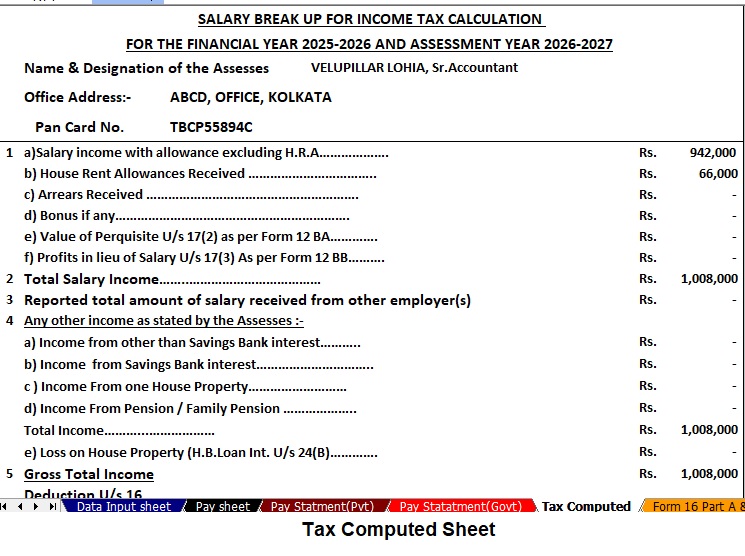
The Excel tool supports Form 10E, Computation Sheet, and Income Sheet. Once you enter salary data, it prepares forms. Furthermore, it matches the government format. Because of this, submission becomes easy.
8. How It Works
Using it is simple:
- First, download from the given link below
- Next, open in Excel.
- Then, enter income.
- After that, add deductions.
- Finally, check the summary.
Meanwhile, a result dashboard shows the total tax. While manual work takes hours, this tool takes minutes.
9. For Government Employees
The government pay structure includes allowances. Therefore, the tool includes DA, TA, HRA, NPA, etc. Moreover, it supports West Bengal, Maharashtra, and all state formats. Consequently, each employee type benefits.
10. For Non-Government Employees
Private employees receive CTC, a bonus, and PF. Likewise, the tool supports these entries. Eventually, the final tax shows net savings.
11. Benefits vs Manual Filing
Manual filing is slow. Besides, calculators don’t show the whole picture. On the other hand, Excel combines every section. Hence, filing becomes smooth. In addition, reports remain saved. And, you avoid repeated checks.
12. Limitations
It needs Excel knowledge. Otherwise, mistakes may happen if formulas change. Still, the tool protects most formulas. Though advanced Excel users can customise.
13. Security and Data Safety
Because it runs offline, your personal data remains safe. Unlike online portals, nothing uploads. Thus, security increases. Moreover, you control backups.
14. Real-Life Use Case
Imagine Priya, a salaried employee. Before, she spent two days on taxes. Now, with this tool, she finishes in one hour. Because, everything calculates automatically. Hence, she feels relaxed. Similarly, thousands of people find tax easy.
15. Conclusion
In conclusion, Tax Software All-in-One in Excel saves effort. While tax feels complex, the tool makes it simple. Since it works offline, you get control. Therefore, every taxpayer can use it confidently. Overall, the software becomes a smart guide for FY 2025–26.
FAQs
1. What is Tax Software All in One in Excel?
It is an Excel workbook that calculates your income tax automatically.
2. Can beginners use it easily?
Yes, because it uses simple fields and clear instructions.
3. Does it support the new tax regime?
Yes, it compares old and new regimes for maximum savings.
4. Is the internet required for using it?
No, the tool works fully offline inside Excel.
5. Can government employees use this tool?
Yes, it supports government and non-government salary formats.
Download Automatic Income Tax Preparation Software All-in-One in Excel (F.Y. 2025–26) for Government and Non-Government Employees



Key Features of the Excel-Based Tax Preparation Utility
- Dual Regime Option:
You choose the New or Old Tax Regime under Section 115BAC effortlessly. Additionally, the tool compares both regimes automatically so you can identify the most tax-saving option quickly. Meanwhile, it highlights the difference clearly, therefore helping you make a smart decision. - Customised Salary Structure:
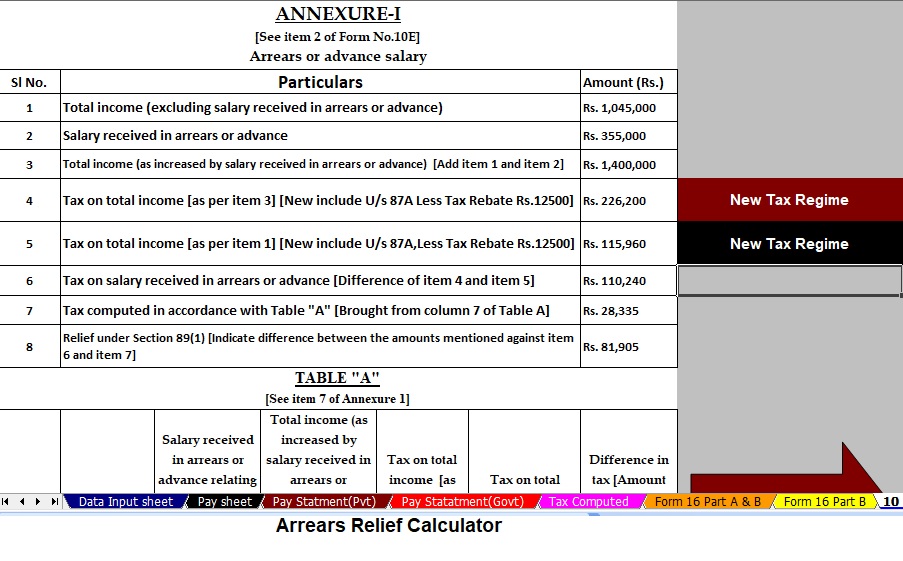
The tool adjusts to your salary format, whether you work in a Government or Non-Government organisation. Moreover, this customisation reduces manual entry and saves valuable time while improving accuracy overall. - Automatic Arrears Relief Calculator [Section 89(1) + Form 10E]:
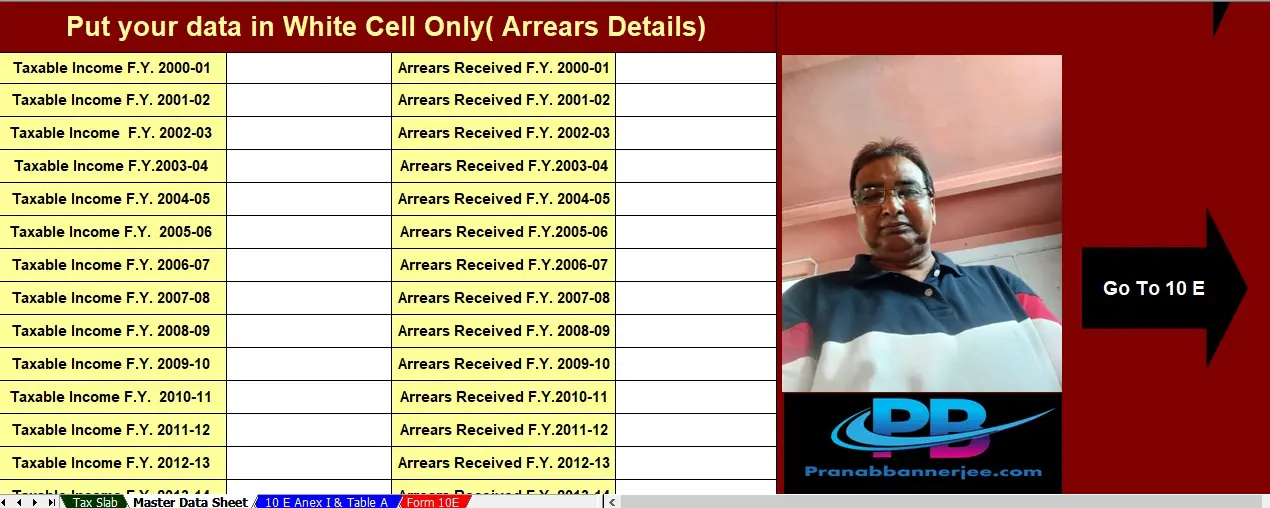
The tool calculates arrears relief for financial years from 2000–01 to 2025–26 instantly. Then, it generates Form 10E for submission automatically, ensuring precise tax relief calculations without - Updated Form 16 (Part A & B and Part B):
The tool generates Revised Form 16 (Part A & B and Part B) for F.Y. 2025–26 instantly. Likewise, it keeps your Form 16 compliant with the latest tax formats and reduces manual formatting altogether. - Simplified Compliance:
The tool ensures quick and error-free tax computation through built-in formulas. Furthermore, you prepare your return confidently because the process needs zero manual intervention, improving speed and

